
AI Pulse Analysis
Pulse analyzes each scene with its previous and next scenes, then saves grades and editorial feedback in scene properties for hover review.
- Manuscript or subplot order: Evaluate the reading sequence or follow one subplot.
- Scene feedback: Review strengths, continuity, and opportunities to improve scene flow.
- Compact hover: Turn off Pulse context in Settings → AI to show the current scene’s feedback alone.
Modes: Progress mode (key 1), Narrative mode (key 2), Chronologue mode (key 3)
Command: Scene pulse analysis (manuscript order), Scene pulse analysis (subplot order)
Settings: Settings → AI — enable Enable AI LLM features and choose a provider
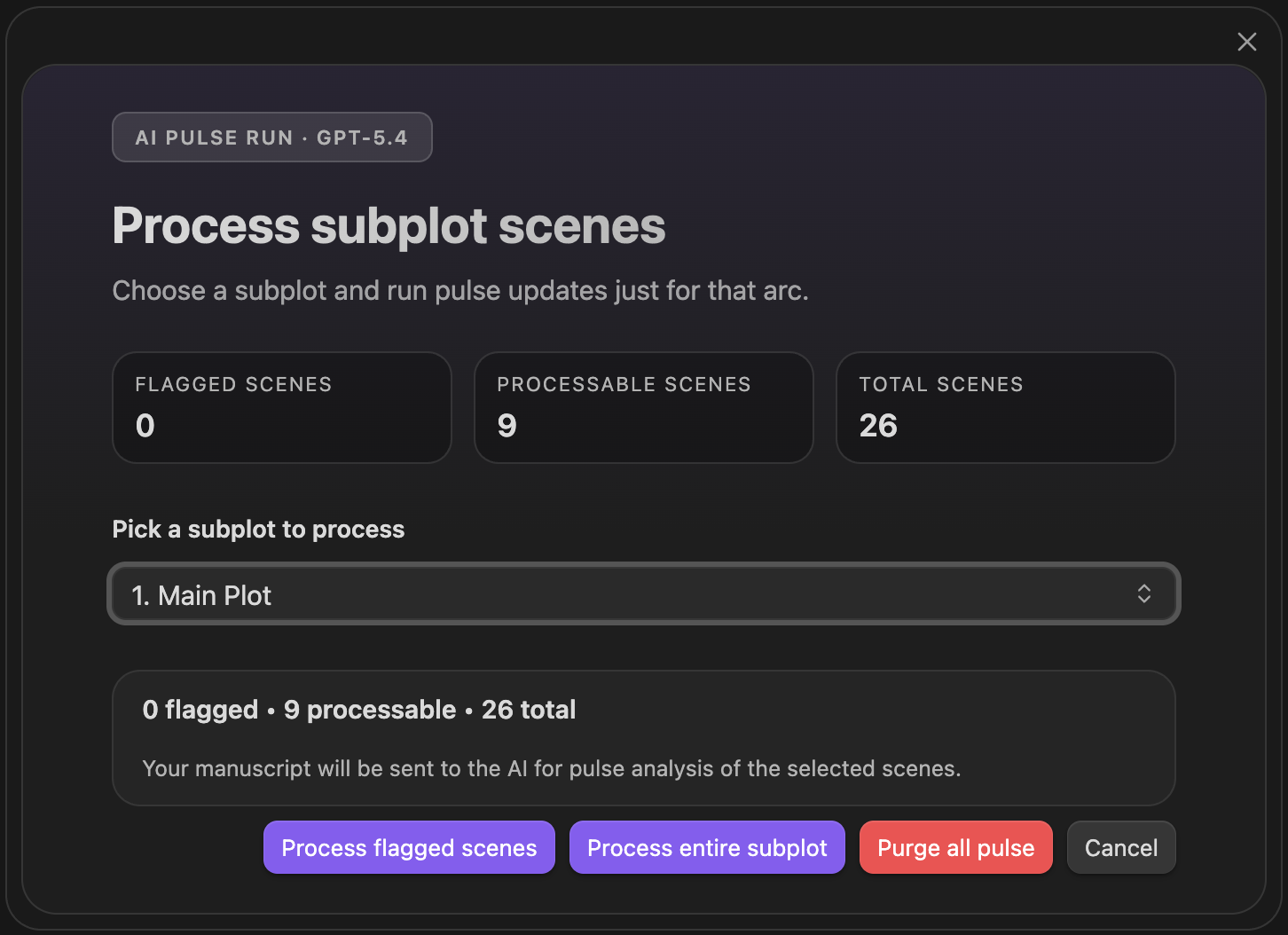
AI Pulse Triplet Analysis
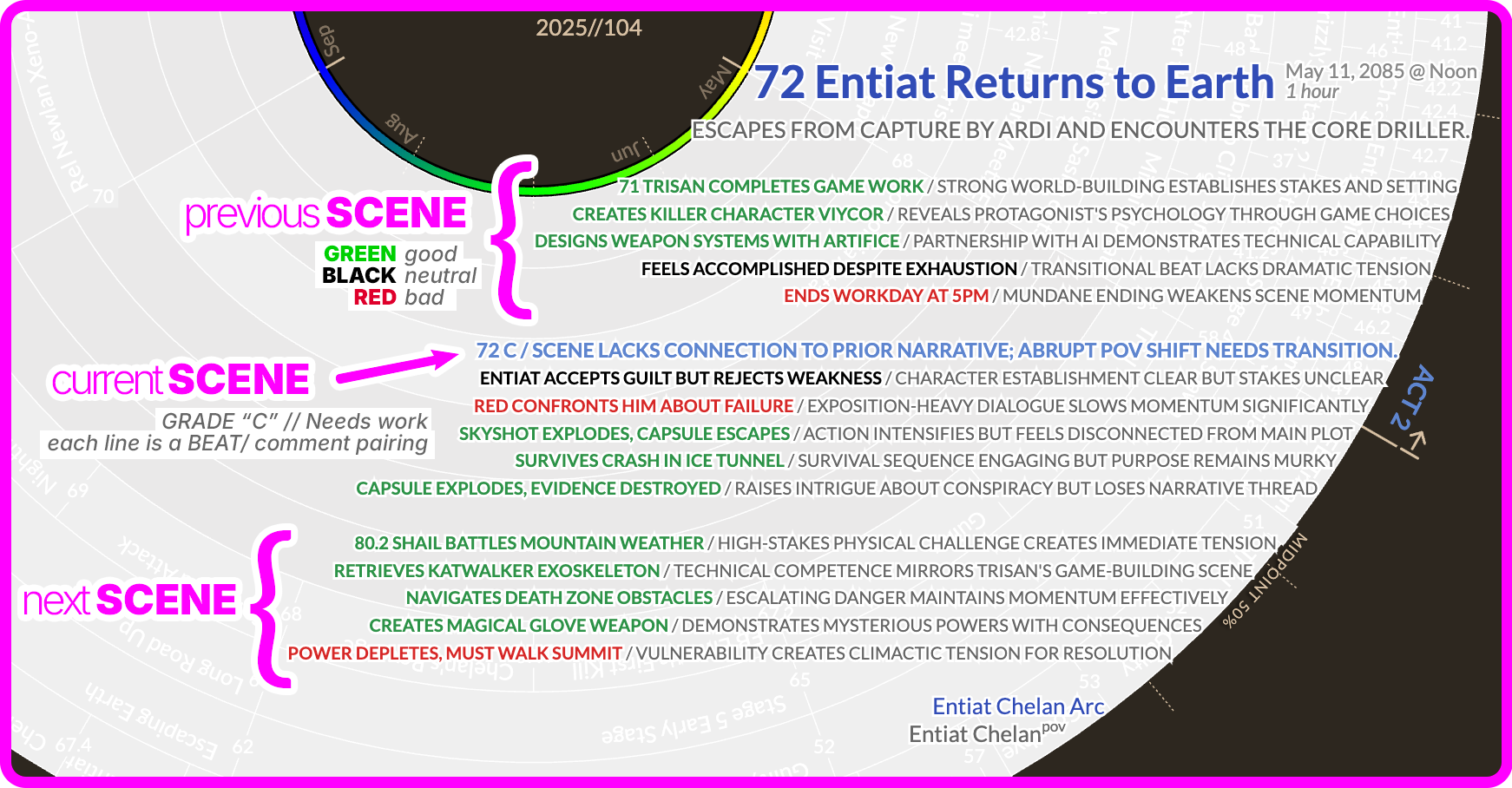
Pulse triplet output — previous, current, and next scene grades surfaced in hover
Supported Providers
Section titled “Supported Providers”Pulse works with all supported AI providers:
- Anthropic Claude
- OpenAI GPT
- Google Gemini
- Local LLM (Ollama, LM Studio, and OpenAI-compatible servers)
Local LLM setup is documented under Settings → AI → Local LLM. Local runs are validated before analysis starts and results are written with the same safeguards as hosted providers.
When a Pulse batch finishes, its card shows the batch’s total cost. Cache use and per-scene costs are under AI prompt & context.
For the command-specific batch workflows, see:
Headings set in Kalice, Claude Type, designed by Margot Lévêque.