
Resources
Settings → Resources (the Res tab) holds the Story Vaults and links to learn the plugin. Everything the plugin does is free to use right now.
Story Vaults
Section titled “Story Vaults”The Story Vaults section under Settings → Resources (the Res tab) lists complete worked examples with saved analysis. Pride & Prejudice, The Odyssey, and Sherlock Holmes are free: Explore story opens the Story Vault chooser, where Add story to this vault adds one to a Demo Projects folder and Download ZIP downloads it as a separate vault. A fourth card, the Secret vault, is In preparation.
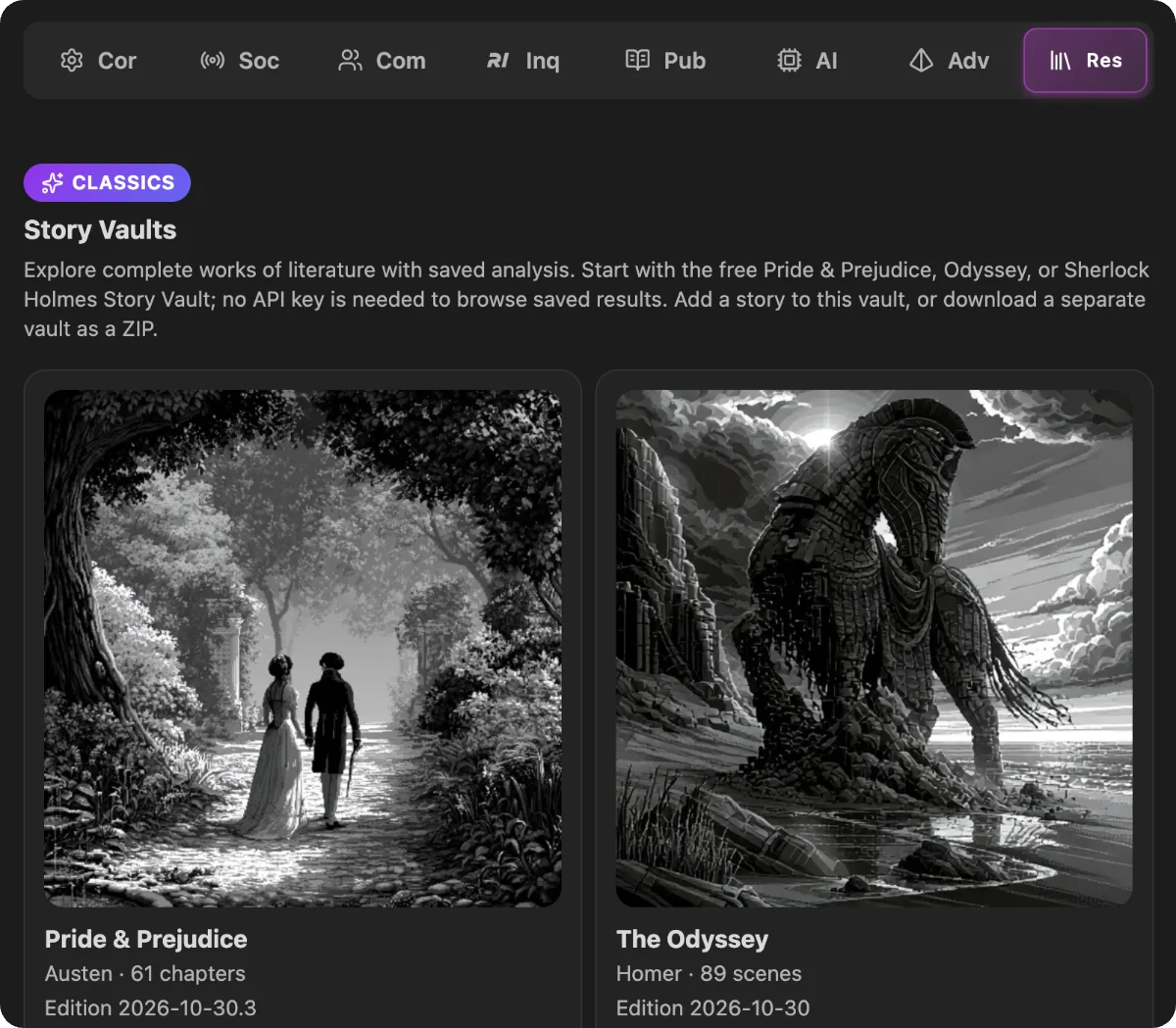
Each card names its edition. Once you have a story, its card compares yours with the latest (Your edition: … · Up to date). When a newer edition is out, Download new edition ↗ downloads it as a separate vault, and your copy stays as it is. The Welcome screen offers the same download.
Below the vaults, Learn more links to Getting started, the Radial Timeline Wiki, and the YouTube Video tutorials.
AI setup
Section titled “AI setup”Inquiry uses your configured cloud provider and API billing, or a validated Local LLM. Set up either option in Settings → AI.
Questions or feedback? Visit radialtimeline.com or email feedback@radialtimeline.com
Headings set in Kalice, Claude Type, designed by Margot Lévêque.