
Radial Timeline 8.0.3
Settings Inquiry
The Inquiry tab controls how Inquiry scans your vault, manages prompts, tunes corpus thresholds, and writes action notes.
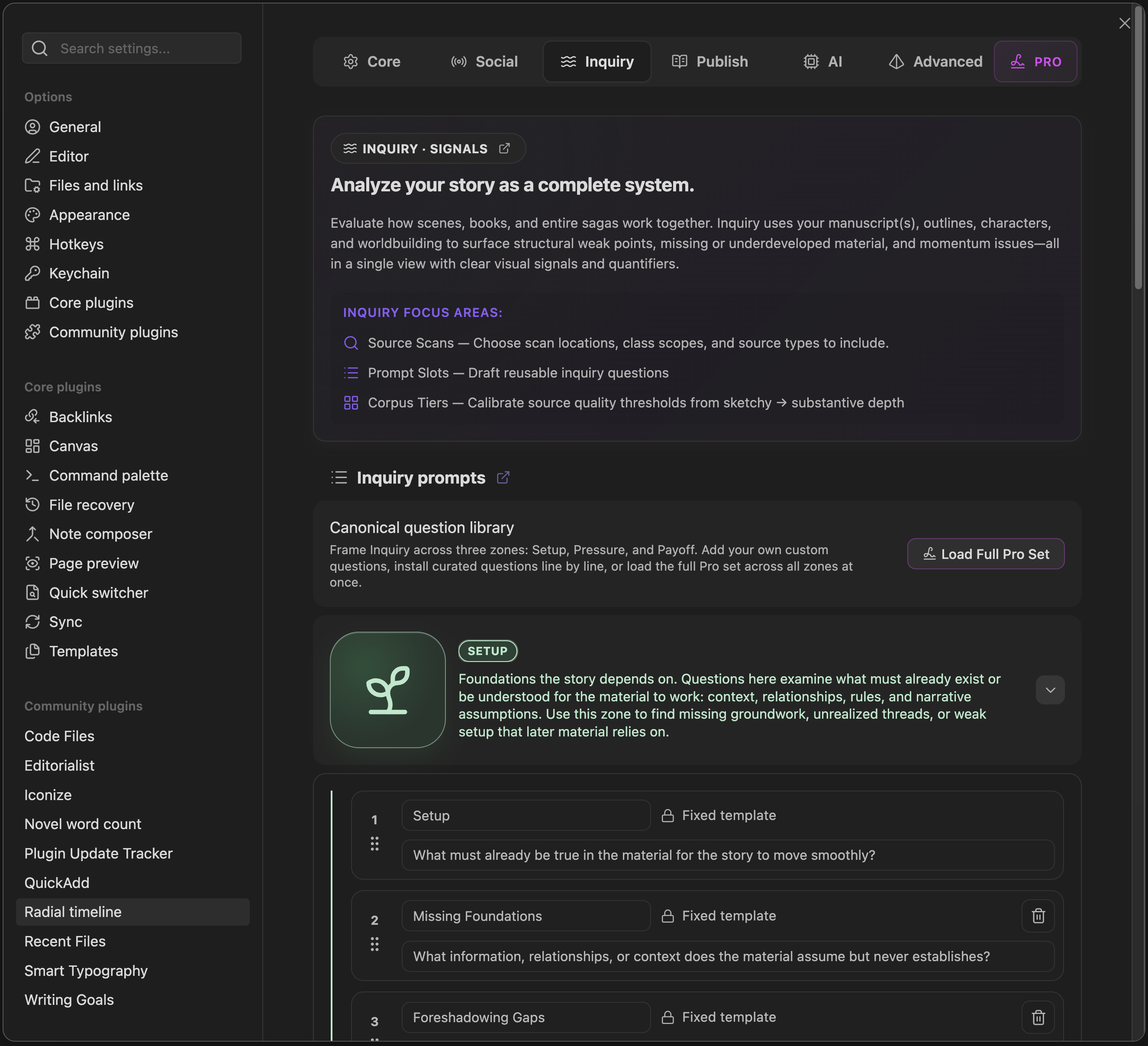
Settings → Inquiry
For the operating guide to the Inquiry View itself, see Inquiry.
Inquiry Prompts
Section titled “Inquiry Prompts”- Built-in questions: Each zone (Setup, Pressure, Payoff) ships with 9 built-in questions: 4 core questions and 5 signature questions.
- Custom questions: Add your own prompts per zone on top of the built-ins, up to 8 per zone.
- Order and defaults: Drag to reorder questions within a zone, toggle individual questions on or off, and use the restore button to return to the built-in defaults.
Inquiry Sources
Section titled “Inquiry Sources”- Books for Inquiry: Choose which book profiles Inquiry scans. Use Open Book Manager to edit the profiles themselves.
- Material rules: Class table controlling which YAML classes are scanned and whether each applies to the Book, Saga, and/or Reference scope.
- Supporting material folders: Add support-material vault paths beyond the book folders. Supports wildcards (e.g.,
/Book 1-7 */) and/for vault root. - Presets: Default (recommended), Light (fast, lower token usage), and Deep (comprehensive, higher token usage) apply preconfigured source selections.
How Inquiry Identifies Books
Section titled “How Inquiry Identifies Books”Inquiry uses the book profiles you configure in Settings -> Core -> Books.
Each book profile contributes one book folder to Inquiry. In Book scope, Inquiry uses the active book profile. In Saga scope, it can scan across the included book profiles together.
Supporting material folders are separate. They add reference material alongside your book profiles.
Corpus (CC)
Section titled “Corpus (CC)”- Thresholds: Tune the word-count tiers (
Empty,Sketchy,Medium,Substantive) used in Corpus cards. Counts are content-only (frontmatter excluded). A reset control restores the defaults.
Corpus automatically marks notes in the Empty and Sketchy tiers.
Configuration
Section titled “Configuration”- Auto-populate Pending Edits: Automatically write Inquiry action notes to the
Pending EditsYAML field on hit scenes after each run. The target field is fixed toPending Edits.
Headings set in Kalice, Claude Type, designed by Margot Lévêque.